


Mobile CMMS: your technicians connected everywhere in the field
Mobile CMMS, your maintenance always at your fingertips! Plan, enter, and track your interventions instantly from your smartphone, tablet, or iPad.









Why choose our Mobile CMMS for your maintenance management?
Fewer field constraints, more efficiency with a 100% personalized mobile CMMS.
Mobility and flexibility in the field
In the workshop, on maintenance rounds, or during outdoor or emergency interventions, your technicians can access equipment, histories and work orders.
Faster interventions and less administration
Forget paper notes and end-of-day re-entry, and avoid unnecessary back-and-forth between the field and the office.
Reliable data from the first entry
Integrated validations and real-time entry reduce errors. Data is reliable, accurate, and actionable on a daily basis.
Complete traceability of every intervention
Every intervention, modification, reading, validation, or stock movement is automatically logged. You have precise tracking of operations performed, facilitating equipment analysis, compliance with procedures, and audit preparation.

Features that make our Mobile CMMS software high-performing

Simplify time tracking for your technicians
Entering corrective intervention reports for your technicians is simplified thanks to:
A start/stop timer for their time
Parts consumption tracking
Illustration of the intervention using the camera
Validation via a tactile signature directly on the screen

Facilitate preventive tracking for your teams
Facilitate the tracking of preventive actions for your technicians thanks to:
A checklist composed of control and verification steps
A checkbox system to validate these steps
Comment entry at each step to create follow-up interventions
Use of voice recognition to dictate your reports
Entry of measurements taken on equipment and buildings
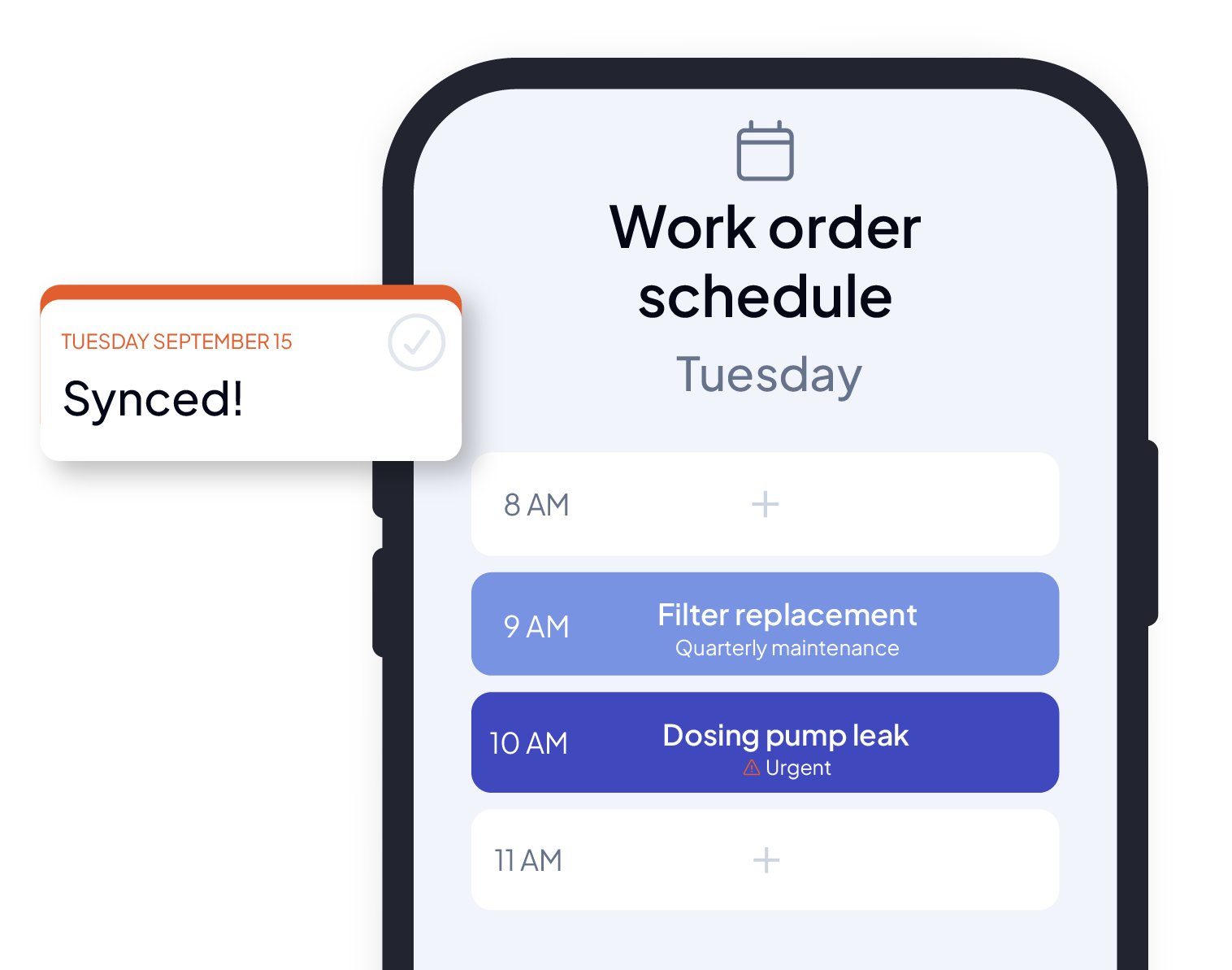
Easily retrieve service requests entered in the field
Requesters have the ability to create service requests. Requests automatically generate alerts and are integrated into the technician’s schedule according to their urgency or criticality.
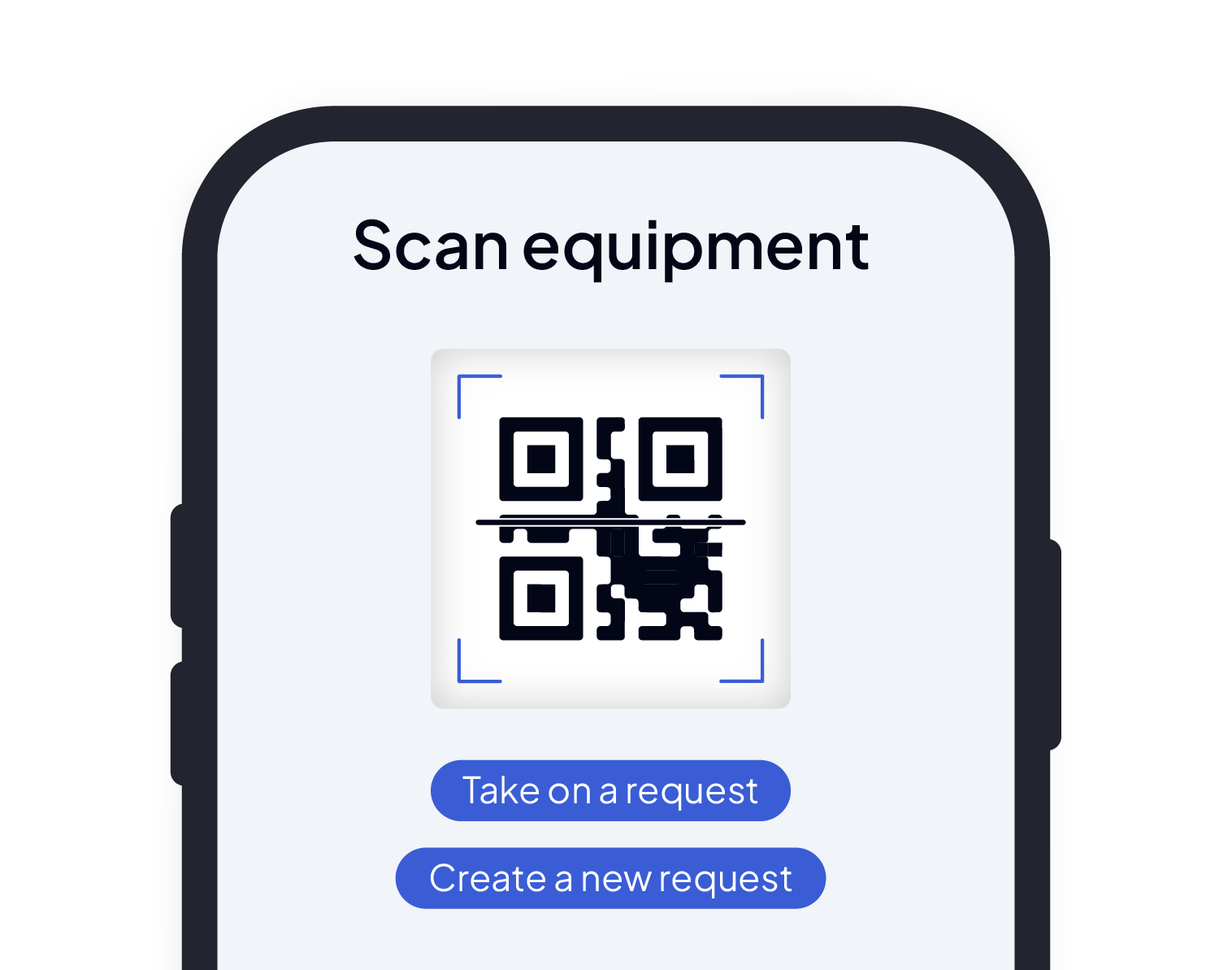
Consult and enter your data using label scanning
AQ Manager Mobile includes standard printable barcode and QR code label templates and allows you to:
Display intervention history and equipment files
Manage interventions to be performed
Create new service requests
Create new work orders
Consult stock availability and warehouse location
Create stock entry and exit movements
Create new equipment and update them
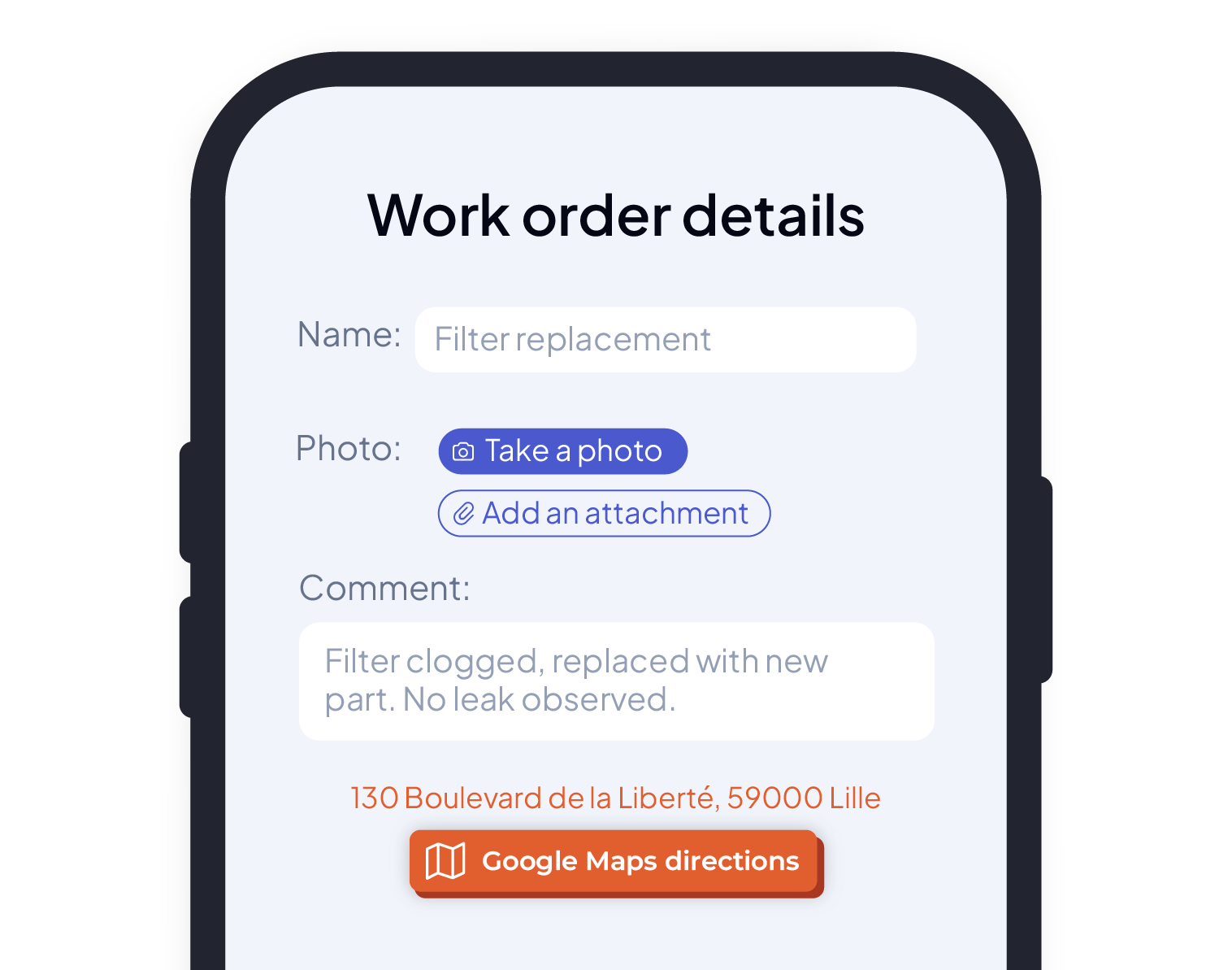
Easily access your equipment files and data on-site
Display technical specifications, access plans, images, and photos, and consult history and parts nomenclature.
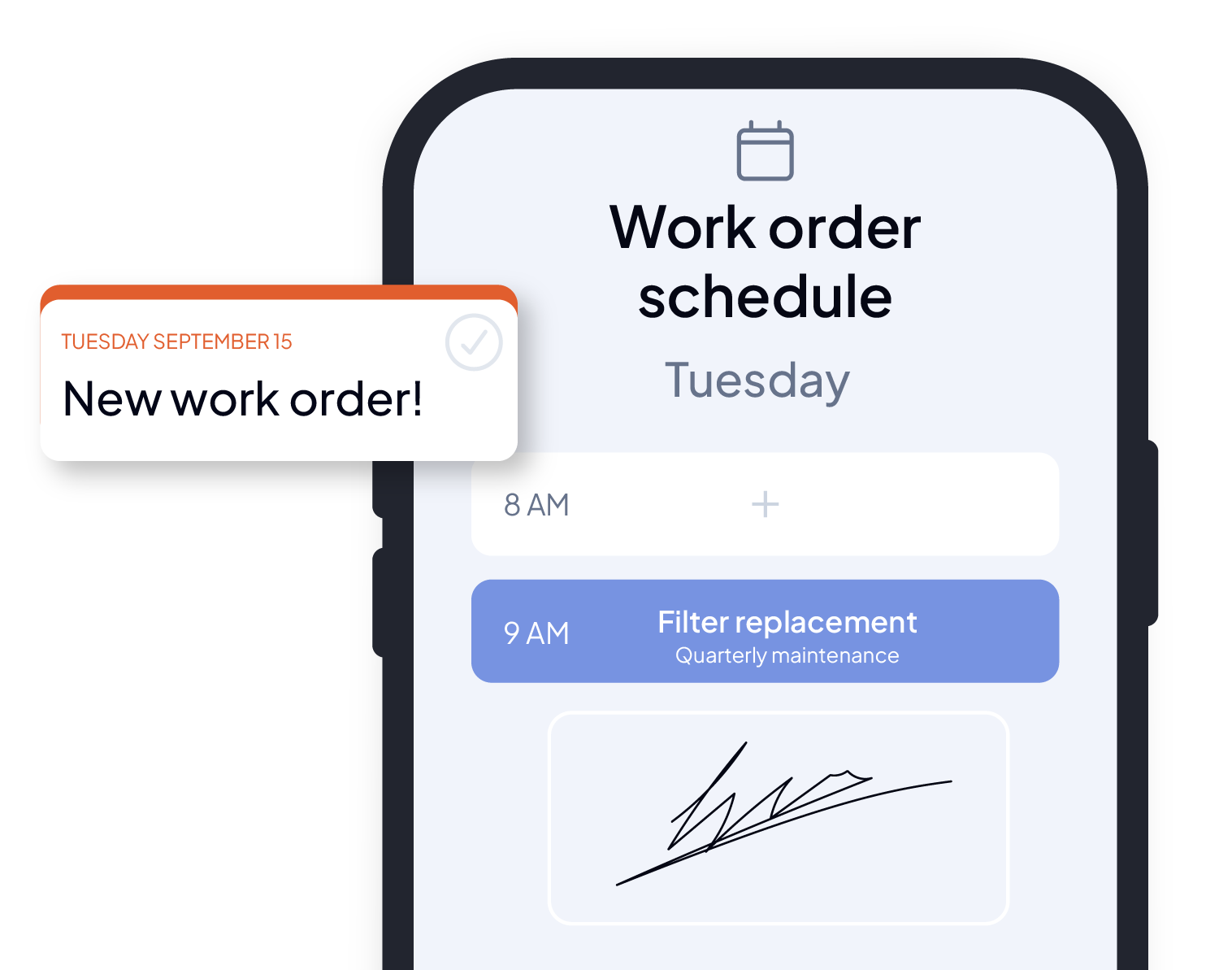
Communicate easily and notify your teams
Send push notifications directly to the notification center to alert your technicians on their smartphones when an intervention is scheduled or a message is sent. Send your reports and have interventions signed directly by the manager, client, or building tenant.

Benefit from reinforced analysis and tracking
Access your indicators (KPIs) in real-time wherever you are, and benefit from improved visualization via our dynamic and adaptive dashboards.
Why is our mobile CMMS software unique and so highly valued?


New ergonomics designed for easy handling

An application usable everywhere and in all environments
- A local database that allows operation in connected and/or disconnected mode (offline mode)
- Compatibility with Android / iPhone and iOS mobile environments
- Real-time synchronization with the central system

A mobile CMMS designed for your teams, with 100% internal support
Support is at the heart of your project. Our internal consultant-trainers support your teams at every stage: understanding your field needs, deploying the mobile CMMS, and training users. Each employee is guided according to their role and habits, for quick adoption and long-term follow-up.

Our ergonomic and dynamic schedules
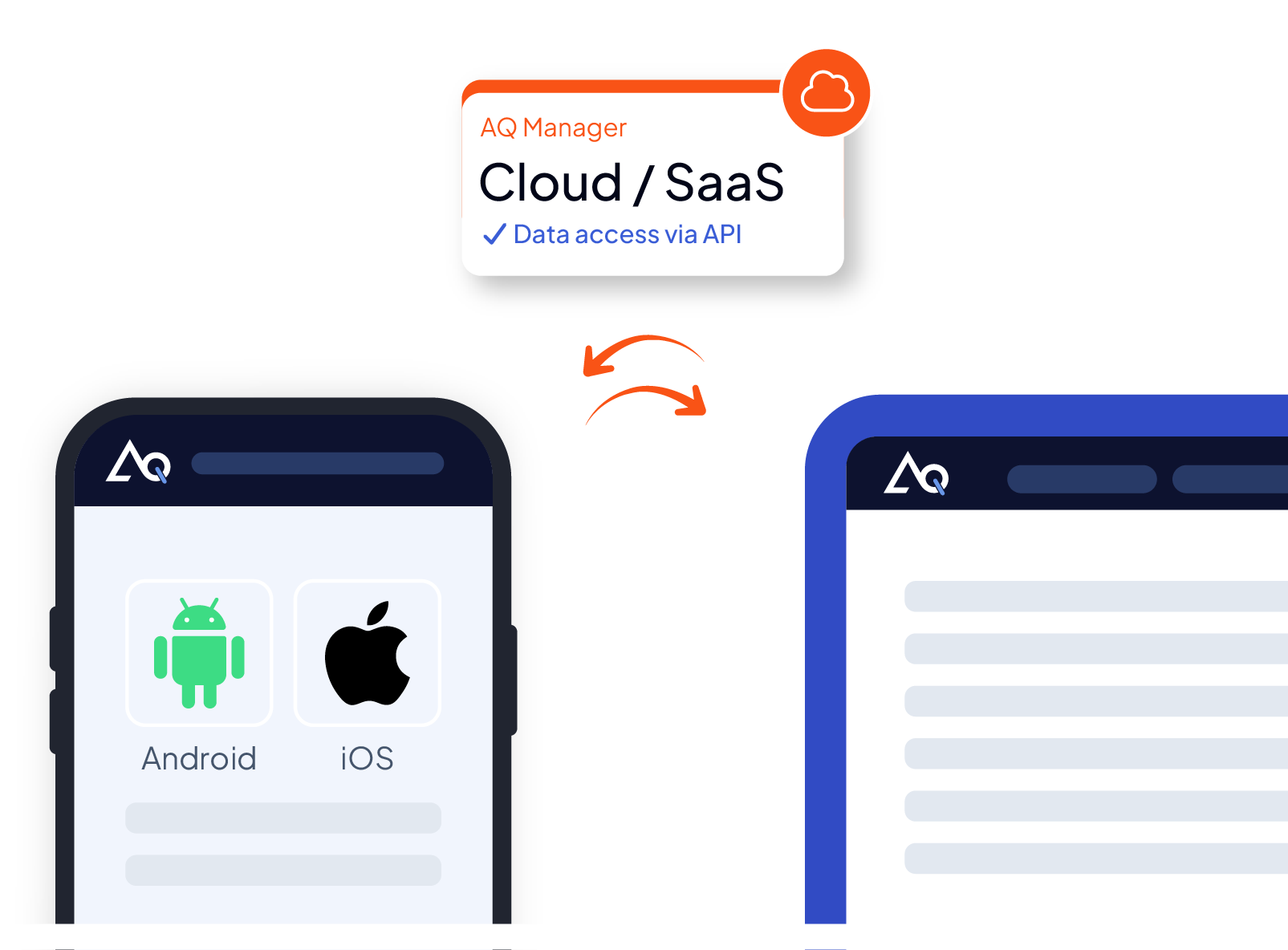
Mobile CMMS integrates perfectly into the AQ Manager ecosystem
The mobile CMMS application integrates perfectly into the AQ Manager Full Web ecosystem and is compatible with your devices and operating systems (iOS and Android) to upload all information to the CMMS.
- Access to data via API or standard web services
- Available in SaaS, Cloud, or On-Premise
- Bidirectional data synchronization between the CMMS and mobile devices


Schedule a Demo Now!



They chose AQ Manager CMMS


Need more information?
