Skip to content

An intuitive user experience to simplify your CMMS and LIMS usage

Feedback from our thousands of users has enabled us to refine and offer you particularly intuitive CMMS and LIMS software that is easy to configure, simple to use, and quick to master.
Value for money
4.8

Why user experience is at the heart of our priorities

Ergonomic and highly customizable software simplifies daily work. Your teams adopt it, use it, and appreciate it every day!

Save time and boost productivity

An intuitive user experience facilitates data entry (fewer clicks, clear navigation, and menus tailored to each profile) and reduces human error.

Promote adoption and usage

Clear and intuitive software encourages usage. Teams adopt it naturally, without reverting to paper or Excel. Onboarding is quick, training is shorter, and change management becomes much easier.

Enjoy compatibility across all your devices

Whether at the office or on tablet and smartphone, the interface adapts to different device types and screen sizes while maintaining full readability and functionality. Viewing a work order, entering information, or validating a result remains simple everywhere!

Improve data quality and traceability

Direct data entry into the software improves data quality. Each record is complete and consistent, histories are reliable, and every action is traceable.
I highly recommend AQ Manager for its ability to adapt to the specifics of our operations. The software is intuitive and offers numerous customization options, which has allowed us to align it perfectly with our evolving needs.
A. L.
Technical Director, IAGE
Export et partage des tableaux de bord de la GMAO AQ Manager

Graphical, intuitive, and user-centered menus

The graphical menus are truly intuitive and screens are optimized according to user profiles. The menus also allow you to directly display all the statistical indicators you need, as well as different widgets according to your requirements.

A customizable interface

The simple and customizable graphical interface allows you to navigate easily and comfortably via 3D floor plans of buildings and equipment, images and photos of your sites and facilities.
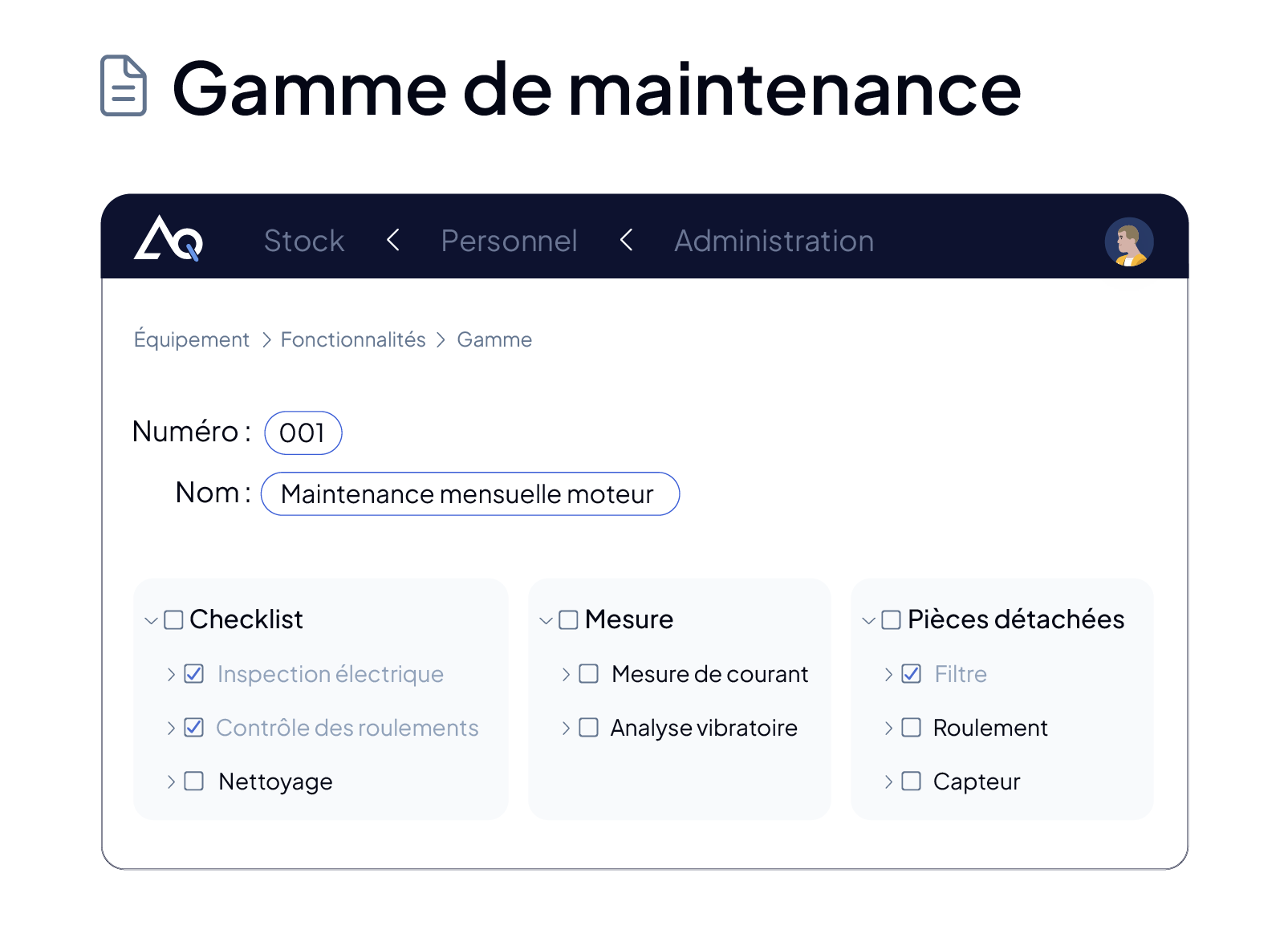
Checklists et workflows de maintenance préventive dans la GMAO AQ Manager

Navigate easily through your user menus

A single entry point to all software screens, with configurable menus and personalized quick access. Work in single-screen or multi-tab mode (planning, work orders, inventory…), navigate with breadcrumb trails including filters, and customize colors and icons to your preferences or corporate identity.

The search zone: search less, find more

A single keyword is enough to instantly retrieve any information. Create records on the fly via configurable buttons or default values, while staying on your screen and maintaining your workflow.

Team Support During Data Migration in AQ Manager

Online help and support at all times!

You are guided step by step through each screen via tooltip sequences in the app. Display procedures or training videos when opening each screen and access a library of information, regularly updated, on your dedicated customer portal.


Export et partage des tableaux de bord de la GMAO AQ Manager
Checklists et workflows de maintenance préventive dans la GMAO AQ Manager
Team Support During Data Migration in AQ Manager
Interested in our solutions?

Schedule a Demo Now!

With AQ Manager, enjoy a 100% customizable solution and benefit from tailored support, from demo to installation, through to ongoing support.
Accueil de l'application mobile de la GMAO AQ Manager sur smartphone Accueil de l'application mobile du logiciel LIMS AQ Manager sur smartphone

Provide your teams with the benefits of an intuitive and ergonomic mobile application

Benefit from a mobile application that is easy to master, thanks to its iOS and Android user experience, ideal for your field teams. Quickly access information without complex navigation:

  • Scan barcode and QR code labels with the camera
  • Illustrate your records with photos
  • Track time very simply
  • Receive alerts via push notifications
  • Sign and validate your documents with touch input
  • Dictate your comments using voice recognition
  • Easily access your data in online or offline mode
  • Generate and print labels from the application
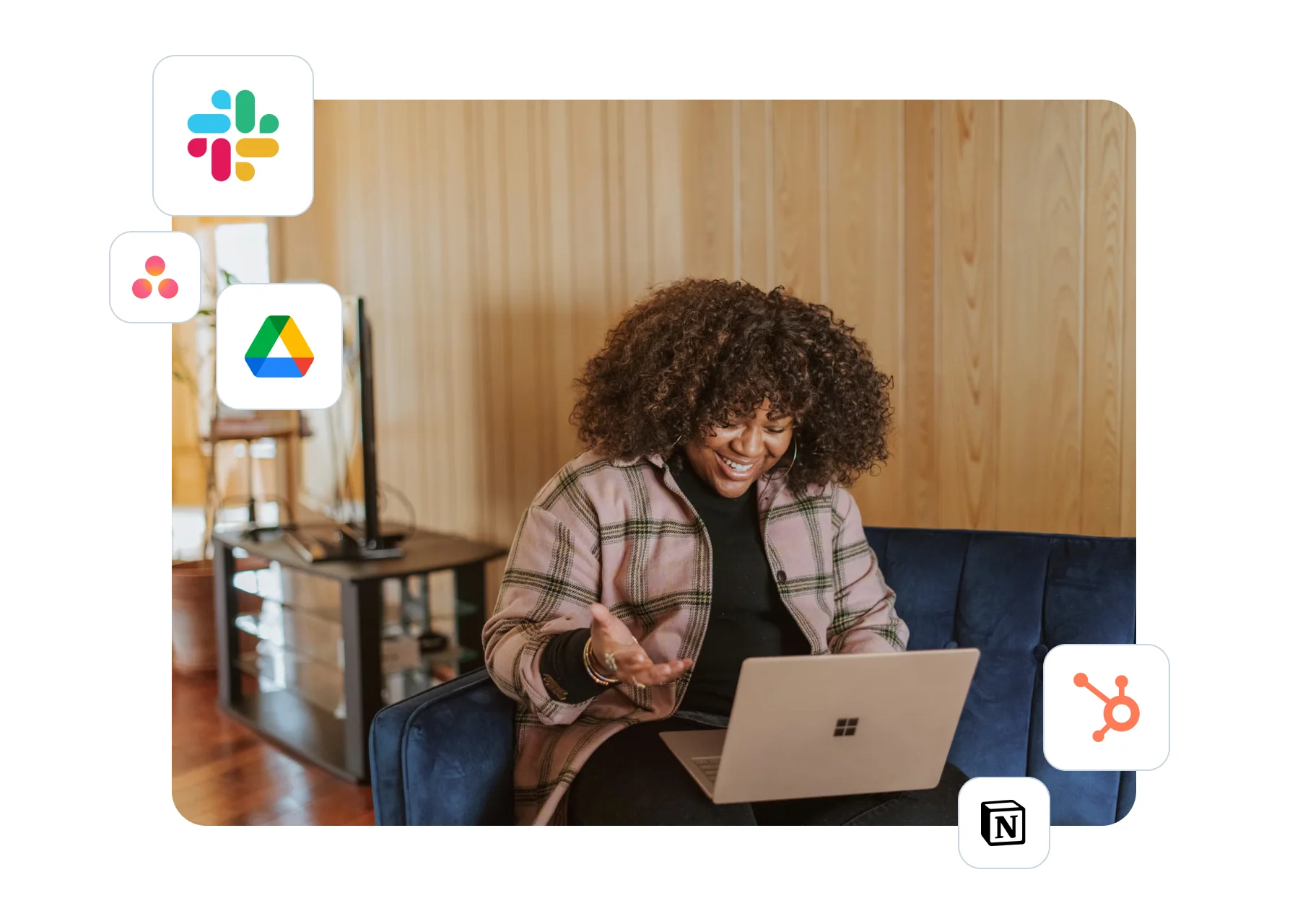
Utilisatrice sur ordinateur portable entourée des logos des outils intégrés

Our software works seamlessly with your other applications

Your CMMS and LIMS software work with your existing applications (ERP, laboratory instruments, etc.) and centralize all your data in a single interface.


Trustpilot

More than 1,450 teams have chosen our CMMS
Logo DIAM Bouchage
"When we deployed AQ Manager in Portugal, we organized several remote training sessions. They were very well received, particularly those on the Dashboard."
Jordi Patot, DIAM Bouchage
Logo EBRC
"We had the opportunity to customize the tool according to our needs and the company's specific requirements. This customization allows us to focus on what is essential and priority. We have gained productivity!"
D.S. Technical Engineer at EBRC
Logo UCLouvain
"Thanks to the support of AQ Manager's consultant-trainers, we were able to adapt our menus according to our needs. Indeed, we customized our screens to make them as simple as possible while being multifunctional. This ultimately resulted in a real time savings in terms of training."
L.D. Quality Manager at UCLouvain
Logo Synergie CAD
"Your software is a powerful tool that gives us the ability to manage many things!"
S.C. Maintenance Manager at Synergie CAD

Frequently asked questions

Yes! AQ Manager allows you to create specific interfaces for each profile.

Additionally, our software solution includes comprehensive user rights management through customization of your groups and profiles, enabling:

  • Definition of access rights to each screen (access, additions, modifications, deletions),
  • Data filtering according to users or profiles,
  • Authorization of report generation,
  • Access to functions and statistical modules.

Each user sees only the modules, menus, and information that are relevant to their role. This customization reduces complexity, accelerates onboarding, and improves your teams’ efficiency.


Logo Bonduelle
Logo Leroy Merlin
Logo Decathlon
Logo BESIX
Logo EDF
Logo Onet
Logo Arthur Bonnet
Logo Guerlain
Logo Harman Kardon
Logo Bonduelle
Logo Leroy Merlin
Logo Decathlon
Logo BESIX
Logo EDF
Logo Onet
Logo Arthur Bonnet
Logo Guerlain
Logo Harman Kardon