


QR code and barcode label scanning: your maintenance simplified
All equipment information in a single scan. AQ Manager Mobile includes standard barcode and QR code label templates for your equipment and spare parts.











Why choose our CMMS for your barcode and QR code labels?
Our mobile application replaces hours of data entry! Every intervention is documented, every part is tracked, and every stock movement is recorded.
All your equipment accessible in one scan
Scan a QR code or barcode to instantly open a machine file: breakdown history, associated parts, manuals, technical data sheets, safety procedures, etc. Create a request, start a work order, or complete a report without leaving the screen.
Reliable data the first time
Each piece of equipment has a unique identification, and its location and status are automatically updated with each scan. Eliminate manual entry errors and confusion between references.
Autonomous technicians in the field
Everything is done from a smartphone or tablet: no more need to take notes on paper and then re-enter them at the office. Your technician identifies, consults, and documents the intervention on the spot.
Complete traceability for your audits
Every intervention, stock movement, and action performed on a piece of equipment is automatically logged in the CMMS. You have precise tracking, ready to present during your regulatory inspections and audits.


Schedule a Demo Now!
How does label scanning work in our CMMS?

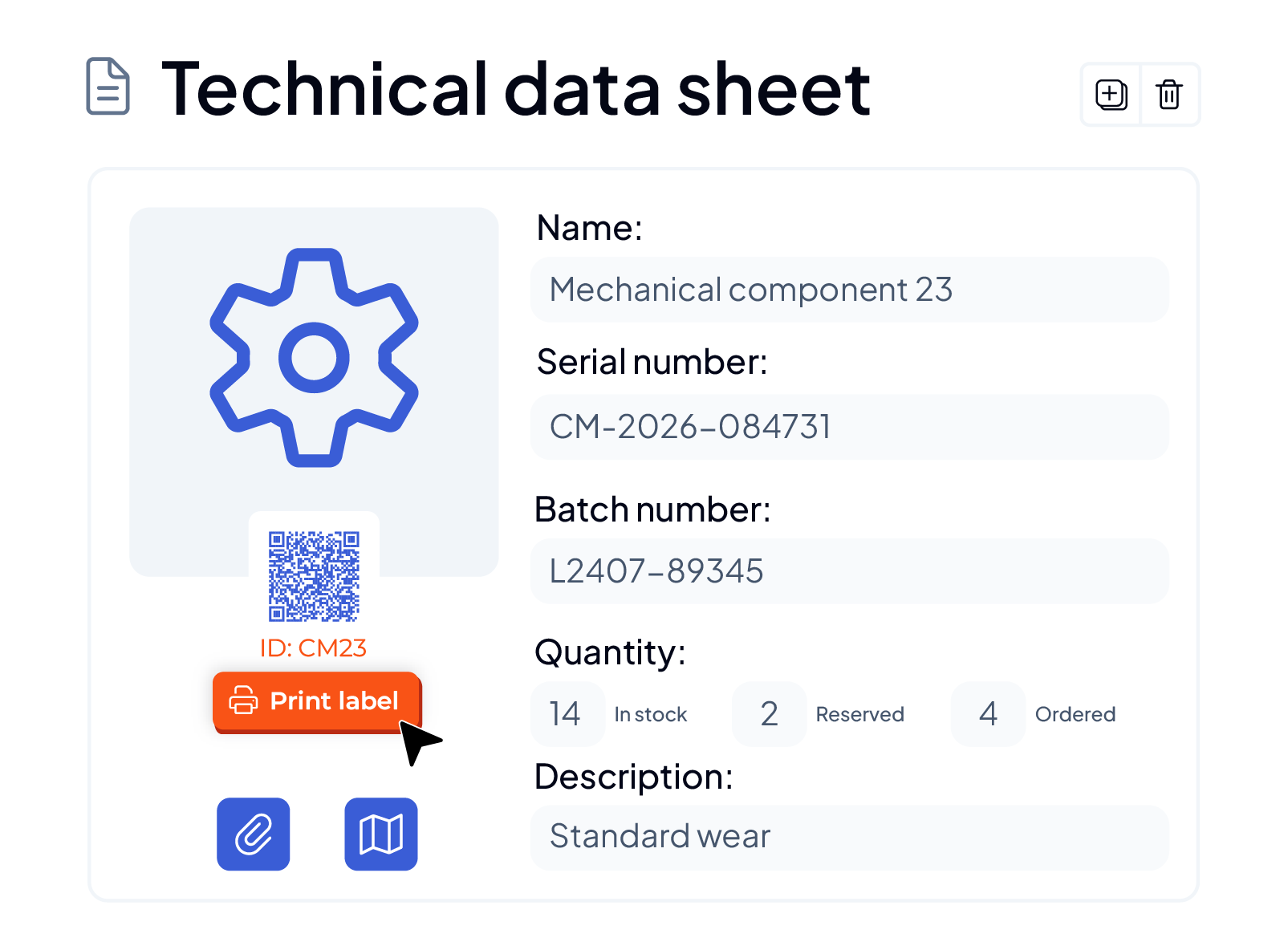
Simplified label generation
Create and print your QR code and barcode labels directly from the CMMS. Each piece of equipment, tool, or part receives a unique identifier, scannable immediately in the field.
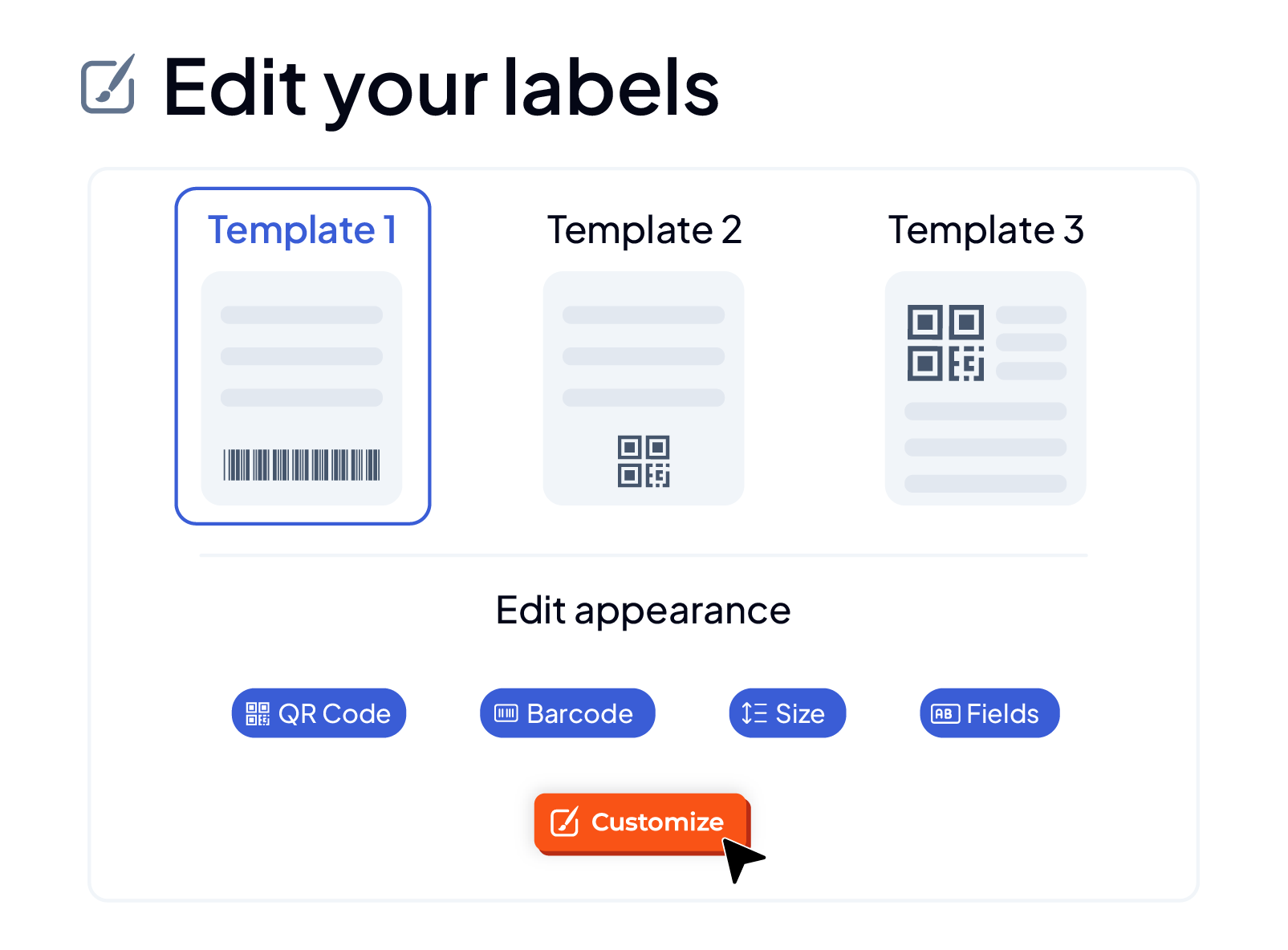
Customization of label templates
Start from ready-to-use templates integrated into AQ Manager, or design your own formats using the report generator: size, displayed fields, and layout adapt to your needs.

Spare parts and stock management
Simplify inventories and tracking of stock movements (inbound/outbound). Locate your tools in real time and quickly identify who is using them. During interventions, your technicians can also automatically generate purchase requests for parts to avoid stockouts.
Discover all the features of our CMMS to optimize your maintenance
Need more information?
