


Non-conformance management and laboratory results entry
Easily enter your results in AQ Manager LIMS or retrieve them automatically from your laboratory devices!











Why choose our LIMS for non-conformance management?
Transform the management of your results and non-conformances into a faster, more secure, and more reliable process.
Time savings and operational efficiency
Automate data retrieval or import files and avoid lengthy manual re-entry.
Error reduction and data security
Less manual entry means fewer risks of human error, especially thanks to direct interfaces with laboratory equipment and instruments.
Flexible data entry methods
Multiple entry methods (web, mobile, import, and instrument connection) make it possible to adapt to different working contexts.
Enhanced traceability and simplified tracking
Centralizing data in a single system makes it easier to track results and non-conformances.
How does results and non-conformance entry work in the LIMS?


Customizable entry grids
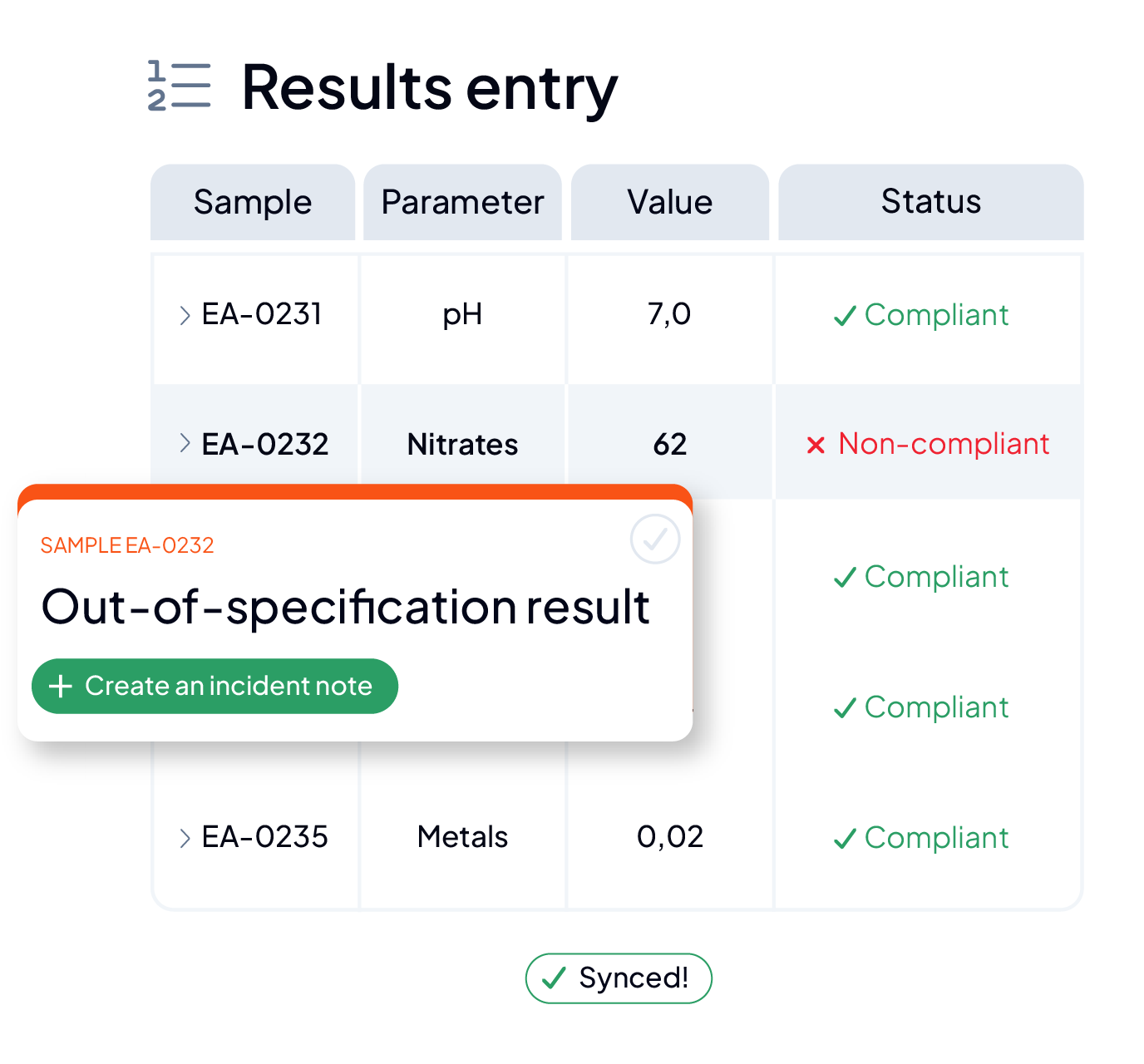
Analysis results and non-conformances are entered in accessible, customizable tables. These grids can be adapted to include specific fields depending on the type of analysis (measured values, units, thresholds, etc.) or on non-conformances (type of deviation, severity, description, associated action, etc.).
Automatic interface with your laboratory devices
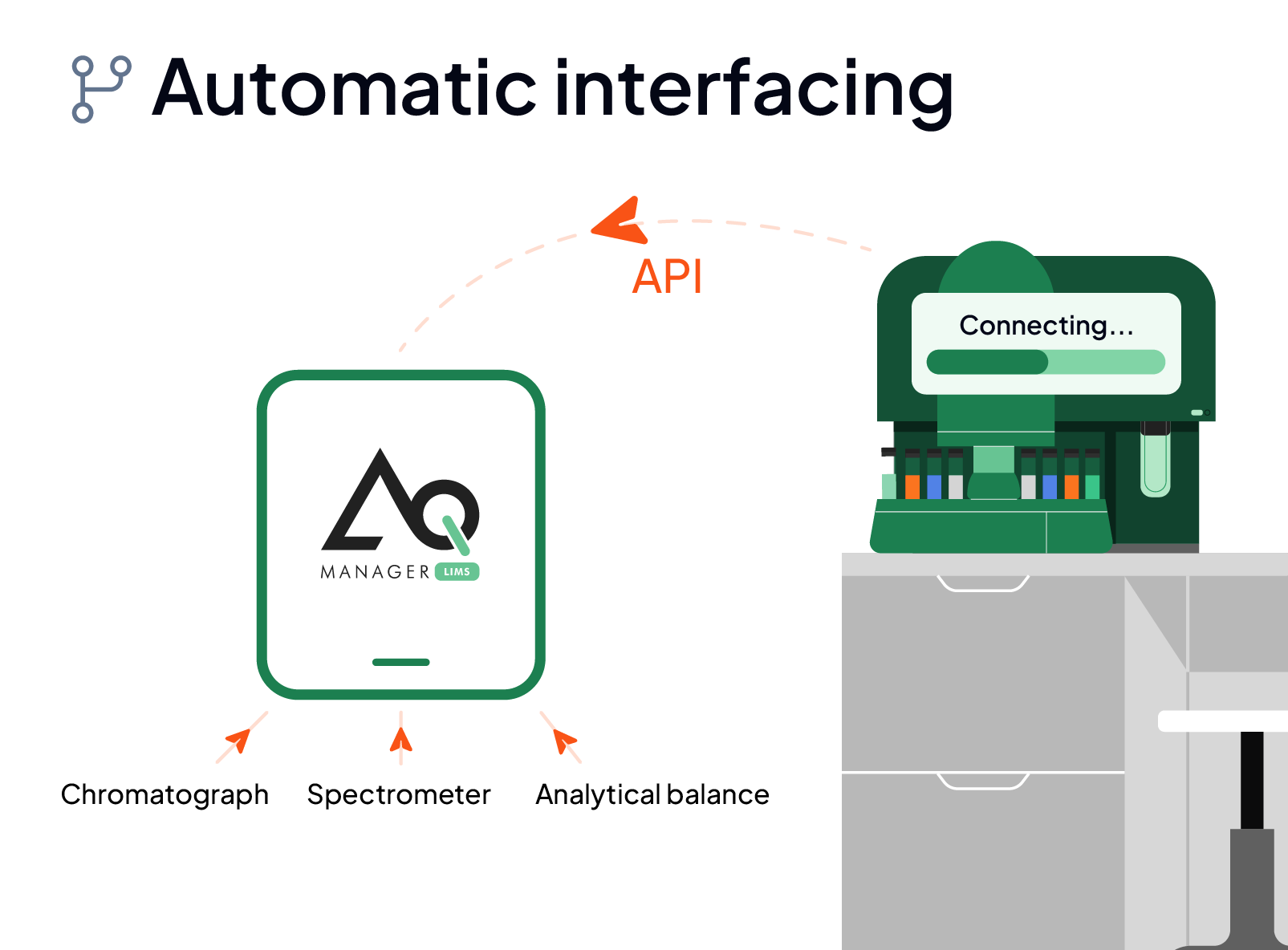
Results (numerical values, charts, or images) are transmitted automatically via API and integrated into analysis records. Statistical processing (average, standard deviation, etc.) can be applied before import. Non-conformances detected by instruments are reported directly in the software.
Mobile entry in the field
In the field or in a sampling area, online or offline, your technicians use a mobile app to scan samples to identify them. They can then enter the results associated with these samples, or immediately report observed non-conformances directly in the system, in real time.
Data import via Excel
Results and non-conformances can be prepared in Excel files structured according to a defined format. These files are then imported into the LIMS, which links each row to a sample, a test, or a file, and records the results as well as any declared non-conformances.




They chose AQ Manager LIMS





Test it for yourself!
Discover all the features of our LIMS to optimize your laboratory management

Need more information?
